 Русский
 English
 Українська
 Türkçe
 DLEMod team
On 21 October 2026, PHP gave site owners an urgent reason to check the server side of their sites. The project fixed CVE-2026-109618 and CVE-2026-109619, flaws where an outside request can lead to code execution on an unpatched web handler. For the owner of a DLE site, the main takeaway is simple: the engine version and the installed modules do not remove the risk, because the vulnerable component sits at the PHP level.
PHP's own releases with the fixes are 8.2.35, 8.3.36, 8.4.27 and 8.5.12. For the older 8.1, 8.0 and 7.4 branches, comparing only the short version string is unreliable. Their standard support has ended, and a hosting or distribution vendor may carry the fix into its own package while keeping the base number.
In short#
- The vulnerabilities are tracked as CVE-2026-109618 and CVE-2026-109619; both are rated 9.2 out of 10 on CVSS v4.0.
- PHP-FPM, Apache with mod_php and other web handlers are at risk, including php-cgi with LiteSpeed.
php -vover SSH shows the command-line version. It may not match the PHP that answers your site's visitors.- A WAF, Cloudflare, restricting file uploads or turning off a single extension do not replace the update. Temporary measures only reduce individual attack variants.
- After installing the update, make sure it is the PHP web handler that was restarted and that the site's pages already run on the fixed version.
What happened#
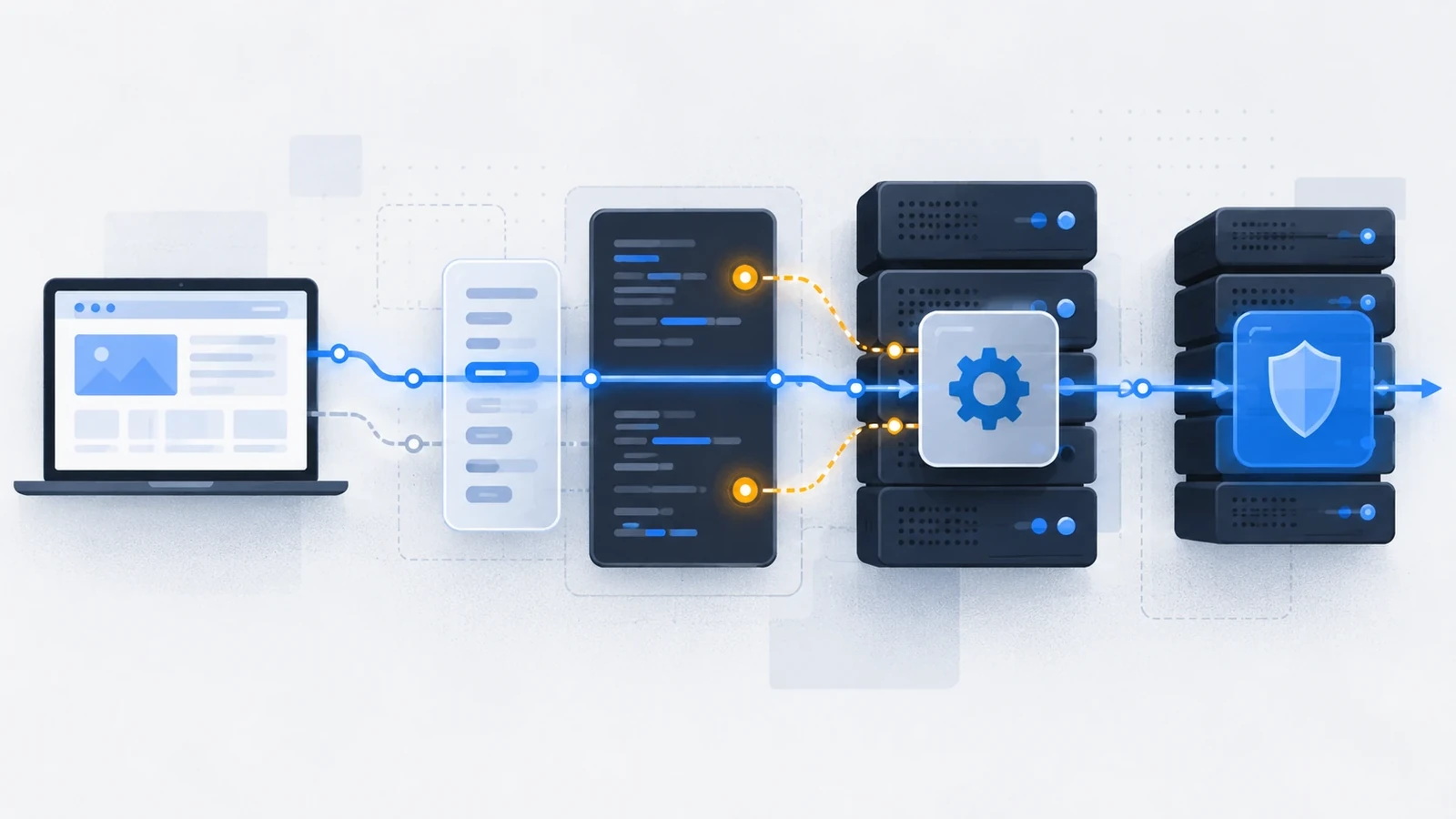
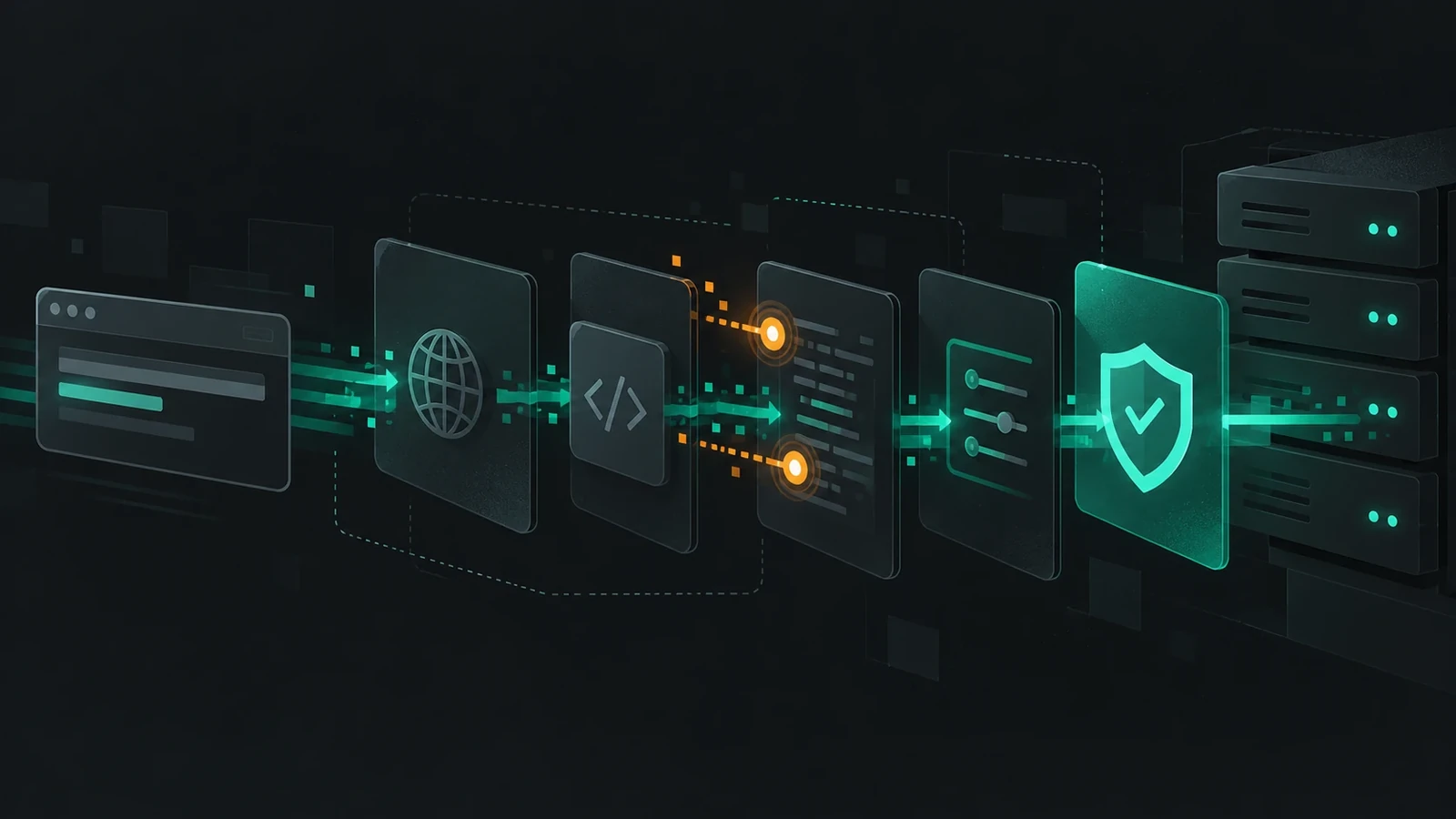
The PHP emergency announcement describes two memory management defects in the interpreter itself. This is not yet another problem in a particular template, plugin or CMS.
With CVE-2026-109618, a memory allocation failure can cut request parsing short in an intermediate state. The cleanup logic then treats some of the resulting structures as if they had been properly prepared. CVE-2026-109619 concerns process reuse: after data is freed, a stale reference can remain in the process, and the next request may reach it before the state has a chance to be refreshed normally.
In both cases the starting point is an HTTP request to a site reachable from outside. Logging into the admin panel, a vulnerable DLE module or uploading an extension is not a precondition. That is why public projects should go to the front of the update queue.
PHP points out separately that the highest risk right now is tied to mod_php: a scenario has been confirmed there in which an unauthenticated request triggers the attack before the application's own code runs. But you cannot consider PHP-FPM safe just because it is different. The official list of affected web setups names several variants: PHP-FPM, php-cgi, FrankenPHP; LiteSpeed.
Who is affected#
The owner of a DLE site usually looks at the engine version and the module versions. Here the order is different: first you need to find out which PHP runs the site's pages.
These all need checking:
- a site on ordinary shared hosting;
- a VPS with nginx and PHP-FPM;
- Apache with mod_php or PHP-FPM;
- a server managed by ISPmanager, Hestia, Plesk, cPanel and similar panels;
- several sites on one server, even if only one of them uses DLE;
- panels and packaged products that run PHP internally as a dependency.
The last item is easy to get wrong. Plesk, for example, updates the user PHP handlers and its own internal sw-engine separately. Updating only the PHP for your sites does not mean the panel component itself has been updated. Look up the exact list of versions and patch status with your own panel vendor rather than copying a table from someone else's guide.
Which versions fix the problem#
For the branches supported by the PHP project, the fix came out on 21 October:
| PHP branch | Fixed version |
|---|---|
| 8.5 | 8.5.12 |
| 8.4 | 8.4.27 |
| 8.3 | 8.3.36 |
| 8.2 | 8.2.35 |
For PHP built from the project's sources, a lower number means you need to move to the fixed version listed. For packaged PHP, check your distribution's advisory first: the vendor may carry the patch into a version with a different number. "I have PHP 7.4.33" does not answer the question on its own. The upstream 7.4, 8.0 and 8.1 branches have ended standard support. PHP prepared minimal source backport branches, and some distributions and LTS vendors included the fixes in their packages. The base version number may stay the same. You can see this in the Plesk table for EOL branches as well.
This is why, on old hosting, you should not decide on your own that there is no patch, and you should not trust a general line like "the server updates automatically". Send support a precise question: "Please confirm the fix for CVE-2026-109618 and CVE-2026-109619 for my site's PHP handler, and give the package version and build date." That gets you a verifiable answer, not a promise.
Why php -v is only the start of the check#
On a VPS the habit is to run:
php -v
The command is useful, but it shows the PHP for the command line. The site may be served by a different PHP-FPM branch, an alternative panel binary or a separate LiteSpeed handler. There are messier cases too: the CLI already has the new version installed while old FPM workers keep the previous runtime in memory.
The check should go in this order:
- Find the PHP version and handler assigned to the site in the hosting panel or site settings.
- Compare it with the version of the installed package, if you have SSH access.
- After the update, restart exactly the service that handles the site's web requests.
- Check the version through a panel diagnostic tool closed to outsiders, or a temporary protected page. Do not leave a public
phpinfo()in the site root: it reveals unnecessary details about the server. - Open the site and do ordinary user actions: log into the panel, upload an image, save a news post, use the feedback form. Then look at the PHP and web server error logs.
On shared hosting the provider usually does this. Your job is not to write "update PHP" to support, but to name the specific site, the PHP handler and the two CVEs. If the panel lets you choose PHP 8.4, choosing "8.4" is not the same as 8.4.27: ask to see the full handler version.
What to do on a VPS#
On a server you cannot blindly copy one command from the internet: Debian, Ubuntu, AlmaLinux, control panels and third-party repositories ship PHP in different ways. The safe sequence is the same everywhere.
First back up the configuration and record the current package versions. Then update the packages from your distribution's trusted repository or your panel's repository. If PHP-FPM is in use, restart the right pool or service after the update. Apache with mod_php needs an Apache restart. After that, repeat the check over the web, not only over SSH.
Ubuntu warns plainly that an automatically applied package update does not guarantee that an already running application uses the new library. The handler has to be restarted, or the server rebooted according to your procedures. On a busy site, plan a short maintenance window: update a non-production instance first, then the main node, and check the log and availability.
If you use Hestia, ISPmanager, Plesk or cPanel, look at that panel's documentation first. It may manage separate PHP packages and their versions independently of the system /usr/bin/php. Installing a third-party repository yourself "just to get the new number" sometimes breaks the link with the panel and does not fix the handler that actually serves the site.
What to do if the site runs on PHP 7.4, 8.0 or 8.1#
With PHP 7.4, 8.0 and 8.1 things are harder. A DLE site may run on PHP 7.4 for years because an old template or module is not ready for a newer branch. But "it works" does not mean "no need to update". The PHP project no longer releases regular updates for these branches.
From here there are three realistic paths.
The first is to get a confirmed backport from your host or Linux vendor. It is a stopgap that closes these specific CVEs but does not give the branch full support again.
The second is to move to a supported PHP branch and fix the incompatible code. It takes preparation and a backup, but it stops turning every new vulnerability into an urgent search operation.
The third is to isolate or temporarily take the public service offline until a fix is available. It is unpleasant, but more honest than leaving a site with a critical RCE reachable from the internet and counting on luck.
In Plesk, for some EOL branches a fixed package may keep the same number but have a different build date. So checking by the string 7.4.33 is not enough. You need panel data, the package date or an official answer from the provider.
Temporary measures: what they give and what they do not#
PHP has recommendations for those who physically cannot update in time. They must not be turned into a headline like "how to protect yourself without updating". The official position is strict: installing the fixed PHP is the only full protection.
For CVE-2026-109618, the PHP project advises removing the application-controlled upper bound of memory_limit, limiting the size of POST requests and keeping the upload limit below the overall POST limit. This narrows the confirmed path through controlled memory exhaustion, but it does not rule out a real allocation failure and does not close the second CVE. The full scope of these measures is listed in the PHP advisory.
For CVE-2026-109619, the advisory mentions disabling session.upload_progress.enabled in configuration applied before the request is parsed, plus a mandatory worker restart. This blocks the confirmed paths through sessions, but not every possible variant. Changing it through ini_set() inside a DLE module or .user.ini is not enough: by the time the code runs, the request has already been parsed.
Cloudflare, a WAF and request filters do not fix PHP's memory handling and should not be a reason to postpone the update. The same goes for removing the file upload form: it is no proof that the whole runtime is safe.
What to check on a DLE site after the update#
Opening the home page once after the update is not enough. A PHP update can affect extensions, OPcache, image processing, old function calls and encoding settings.
Start with the home page and a few different sections. Then log into the admin panel, open a news post for editing, save a test post in a non-public category or delete it after the check, upload and delete a test image, and check comments or the feedback form if they are enabled. Look at the PHP error_log and the web server log: warnings that the visitor never sees are often the first to reveal an incompatible old module.
On a site with queues, parsers or cron jobs, check those too. They may use a different CLI PHP than the web, so the scheduler task must point to the same fixed branch or a confirmed package with the backport. Do not switch the version in production for all sites at once without a backup and a rollback plan.
If you suspect a compromise#
The patch stops the known path, but it does not remove code already left on the server. On a public site the priority is to restrict access or install the fix; do not delay that for the sake of a long audit. If the situation allows, save the web server and PHP logs, the list of recently changed files, the cron jobs and data on new panel users before the work or right after it. Then check for suspicious PHP files in upload folders, unknown cron jobs, extra administrator accounts, changes to .htaccess and outgoing connections.
Do not declare the site clean just because an antivirus found nothing. And do not automatically assume that every odd file is a result of this vulnerability: you need to check dates, logs and what the file is for. The UK NCSC recommends that those who cannot update or take the service offline quickly assess the system for signs of compromise before the work and, if needed, bring in incident response specialists.
Sources#
- PHP: Security advisory: Critical remote code execution vulnerabilities, update now
- ENISA: Joint statement on critical PHP vulnerabilities
- NCSC UK: Critical security issue affecting PHP
- Ubuntu: php2shell vulnerability fixes available
- Plesk: PHP RCE in PHP shipped with Plesk
Checked against sources: 22.10.2026. Verify the technical recommendations against your own hosting and panel documentation: package contents and restart methods differ between vendors.
Tested on: Официальные источники PHP, ENISA, NCSC, Ubuntu и Plesk — 22.10.2026
FAQ
I run DLE. Does that mean I need to update DLE itself?
Updating DLE on your own schedule is useful, but these two vulnerabilities are in PHP. First check and update the site's PHP handler. The DLE version does not replace this step.
Is the PHP version in the hosting panel enough?
It is a good first pointer if the panel shows the full handler number. For older branches, ask your host for the package number or whether a backport is in place. If you have SSH, check the CLI and the web handler separately.
I have PHP 8.4.26. How urgent is the update?
PHP 8.4.26 is below the fixed 8.4.27. Update as soon as possible, then restart the web handler and check the site.
Will disabling file uploads help?
No, that is not real protection. The official temporary measures cover several confirmed paths, but there is no complete workaround: you need the patch.
I am on PHP 7.4.33. What should I do?
Do not judge security by a single number. Ask your host whether a package with a backport for CVE-2026-109618 and CVE-2026-109619 has been released, and plan a move to a supported PHP branch.